 scale(2.81 2.81)"%3E%3Cpath d="M 0.511 51.794 c 0.924 6.099 3.076 11.793 6.19 16.83 h 76.599 c 3.114 -5.037 5.266 -10.731 6.19 -16.83 H 0.511 z" style="stroke: none; stroke-width: 1; stroke-dasharray: none; stroke-linecap: butt; stroke-linejoin: miter; stroke-miterlimit: 10; fill: rgb(243,244,245); fill-rule: nonzero; opacity: 1;" transform=" matrix(1 0 0 1 0 0) " stroke-linecap="round"/%3E%3Cpath d="M 69.638 82.649 H 20.362 C 27.441 87.291 35.902 90 45 90 S 62.559 87.291 69.638 82.649 z" style="stroke: none; stroke-width: 1; stroke-dasharray: none; stroke-linecap: butt; stroke-linejoin: miter; stroke-miterlimit: 10; fill: rgb(243,244,245); fill-rule: nonzero; opacity: 1;" transform=" matrix(1 0 0 1 0 0) " stroke-linecap="round"/%3E%3Cpath d="M 6.701 68.624 c 3.472 5.617 8.146 10.408 13.661 14.025 h 49.276 c 5.516 -3.617 10.189 -8.408 13.661 -14.025 H 6.701 z" style="stroke: none; stroke-width: 1; stroke-dasharray: none; stroke-linecap: butt; stroke-linejoin: miter; stroke-miterlimit: 10; fill: rgb(220,48,39); fill-rule: nonzero; opacity: 1;" transform=" matrix(1 0 0 1 0 0) " stroke-linecap="round"/%3E%3Cpath d="M 49.629 0.236 C 48.107 0.08 46.563 0 45 0 C 20.147 0 0 20.147 0 45 c 0 2.309 0.175 4.578 0.511 6.794 h 49.118 V 0.236 z" style="stroke: none; stroke-width: 1; stroke-dasharray: none; stroke-linecap: butt; stroke-linejoin: miter; stroke-miterlimit: 10; fill: rgb(40,57,145); fill-rule: nonzero; opacity: 1;" transform=" matrix(1 0 0 1 0 0) " stroke-linecap="round"/%3E%3Cpath d="M 13.688 23.094 l -1.392 -4.274 l 3.625 -2.635 h -4.483 l -0.273 -0.837 c -1.422 1.621 -2.728 3.344 -3.908 5.158 l -0.843 2.588 l 3.636 -2.643 L 13.688 23.094 z" style="stroke: none; stroke-width: 1; stroke-dasharray: none; stroke-linecap: butt; stroke-linejoin: miter; stroke-miterlimit: 10; fill: rgb(243,244,245); fill-rule: nonzero; opacity: 1;" transform=" matrix(1 0 0 1 0 0) " stroke-linecap="round"/%3E%3Cpath d="M 22.743 9.658 l 3.62 2.631 l -1.388 -4.262 l 3.621 -2.646 h -4.483 l -0.066 -0.204 c -1.414 0.746 -2.787 1.558 -4.107 2.444 l 0.568 0.413 l -1.366 4.255 L 22.743 9.658 z" style="stroke: none; stroke-width: 1; stroke-dasharray: none; stroke-linecap: butt; stroke-linejoin: miter; stroke-miterlimit: 10; fill: rgb(243,244,245); fill-rule: nonzero; opacity: 1;" transform=" matrix(1 0 0 1 0 0) " stroke-linecap="round"/%3E%3Cpolygon points="7.81,40.43 6.42,44.7 10.05,42.06 13.69,44.7 12.3,40.43 15.92,37.79 11.44,37.79 10.05,33.53 8.66,37.79 4.18,37.79 " style="stroke: none; stroke-width: 1; stroke-dasharray: none; stroke-linecap: butt; stroke-linejoin: miter; stroke-miterlimit: 10; fill: rgb(243,244,245); fill-rule: nonzero; opacity: 1;" transform=" matrix(1 0 0 1 0 0) "/%3E%3Cpolygon points="33.21,40.43 31.82,44.7 35.45,42.06 39.09,44.7 37.7,40.43 41.32,37.79 36.84,37.79 35.45,33.53 34.07,37.79 29.58,37.79 " style="stroke: none; stroke-width: 1; stroke-dasharray: none; stroke-linecap: butt; stroke-linejoin: miter; stroke-miterlimit: 10; fill: rgb(243,244,245); fill-rule: nonzero; opacity: 1;" transform=" matrix(1 0 0 1 0 0) "/%3E%3Cpolygon points="33.21,18.82 31.82,23.09 35.45,20.45 39.09,23.09 37.7,18.82 41.32,16.18 36.84,16.18 35.45,11.93 34.07,16.18 29.58,16.18 " style="stroke: none; stroke-width: 1; stroke-dasharray: none; stroke-linecap: butt; stroke-linejoin: miter; stroke-miterlimit: 10; fill: rgb(243,244,245); fill-rule: nonzero; opacity: 1;" transform=" matrix(1 0 0 1 0 0) "/%3E%3Cpolygon points="20.48,29.62 19.09,33.9 22.73,31.26 26.36,33.9 24.97,29.62 28.6,26.99 24.11,26.99 22.73,22.73 21.34,26.99 16.86,26.99 " style="stroke: none; stroke-width: 1; stroke-dasharray: none; stroke-linecap: butt; stroke-linejoin: miter; stroke-miterlimit: 10; fill: rgb(243,244,245); fill-rule: nonzero; opacity: 1;" transform=" matrix(1 0 0 1 0 0) "/%3E%3Cpath d="M 89.414 37.768 H 49.629 v 14.025 h 39.86 C 89.825 49.578 90 47.309 90 45 C 90 42.537 89.794 40.124 89.414 37.768 z" style="stroke: none; stroke-width: 1; stroke-dasharray: none; stroke-linecap: butt; stroke-linejoin: miter; stroke-miterlimit: 10; fill: rgb(220,48,39); fill-rule: nonzero; opacity: 1;" transform=" matrix(1 0 0 1 0 0) " stroke-linecap="round"/%3E%3Cpath d="M 49.629 37.768 h 39.785 c -0.988 -6.111 -3.209 -11.806 -6.395 -16.83 H 49.629 V 37.768 z" style="stroke: none; stroke-width: 1; stroke-dasharray: none; stroke-linecap: butt; stroke-linejoin: miter; stroke-miterlimit: 10; fill: rgb(243,244,245); fill-rule: nonzero; opacity: 1;" transform=" matrix(1 0 0 1 0 0) " stroke-linecap="round"/%3E%3Cpath d="M 49.629 20.938 h 33.389 c -3.587 -5.656 -8.397 -10.454 -14.064 -14.025 H 49.629 V 20.938 z" style="stroke: none; stroke-width: 1; stroke-dasharray: none; stroke-linecap: butt; stroke-linejoin: miter; stroke-miterlimit: 10; fill: rgb(220,48,39); fill-rule: nonzero; opacity: 1;" transform=" matrix(1 0 0 1 0 0) " stroke-linecap="round"/%3E%3Cpath d="M 49.629 0.24 v 6.673 h 19.326 C 63.248 3.316 56.681 0.963 49.629 0.24 z" style="stroke: none; stroke-width: 1; stroke-dasharray: none; stroke-linecap: butt; stroke-linejoin: miter; stroke-miterlimit: 10; fill: rgb(243,244,245); fill-rule: nonzero; opacity: 1;" transform=" matrix(1 0 0 1 0 0) " stroke-linecap="round"/%3E%3C/g%3E%3C/svg%3E)

Tenants report damage in the tenant portal
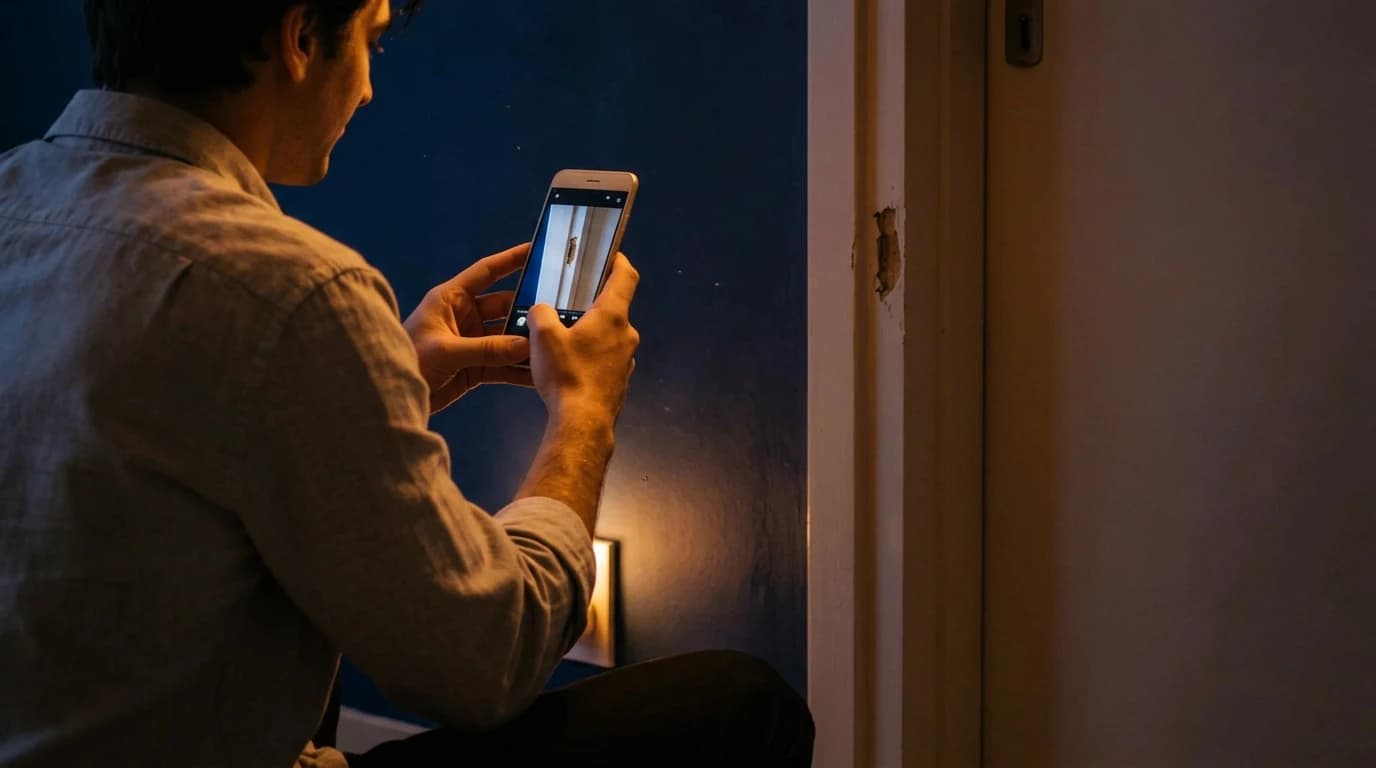
Your tenant takes a photo of the dripping faucet, adds a short description and sends the report. You see it with the photo and the apartment, and the tenant can follow the repair status in the portal.
- 60 days free
- GDPR-compliant
- No credit card required
My properties


The portal from the tenant side
Messages, documents, statements and the overview, as your tenant sees them after signing in.


Report damage and send messages. Under "Messages", the tenant creates a ticket, describes the problem in their own words, say a window that sticks, and attaches photos. CIRO sets the urgency. In the same section they write to you, and the message lands in CIRO in the same thread as their WhatsApp messages, emails and SMS.
Documents
Statements
Overview
Report damage and send messages. Under "Messages", the tenant creates a ticket, describes the problem in their own words, say a window that sticks, and attaches photos. CIRO sets the urgency. In the same section they write to you, and the message lands in CIRO in the same thread as their WhatsApp messages, emails and SMS.
All your tenants need is a browser
Your tenant signs in through the link in your invitation, on a computer or a phone. In the portal they report damage, download their lease, read the utility bill statement and message you. Every report and every message reaches you in CIRO, filed under the right tenant and apartment.Updated: 10/27/2026
Payment status without asking
As soon as you record the October rent as received, or CIRO finds it in your bank account and matches it, it shows as paid on your tenant's overview. Next to it they see when the next rent is due. Whether their transfer has arrived, they can check there themselves.


A year later, the date is still there
CIRO keeps every case with the tenant and the unit: the request and its status, each message with a timestamp, photos and attachments. If a tenant asks a year later when they reported the damp patch on the ceiling, the date is in the history, along with the day it was repaired.
Alina Weber's tenancy in the portal
Lindenstraße 12, apartment 2. Ms. Weber uses the portal from the day you invite her, and she can still read her own documents after she moves out.
Move-in
Invitation
You set up the tenancy in CIRO and invite Ms. Weber by email. She signs in with her personal link and finds her lease and handover report there. On her phone, she adds the portal to her home screen as a web app.
with Ms. Weber's access link
Web app
on her home screen


From the lease to the payment status




as soon as you share them in the portal
24/7
access: the lease and house rules, ready to download
Damage reports
The report reaches you with photos and a description. When you set it to "In progress" or "Done", your tenant sees that in the portal.
Payment status
Your tenant can see for themselves whether you have recorded the October rent as received.
Features for your tenants
- Report damage
- Download documents
- Check request status
- Send you messages
Your tenants' access
Overview, Messages (including damage reports), Documents, Statements and Appointments
Each tenant sees only their own tenancies
is how long the personal link in your invitation stays valid
The invitation arrives by email with a personal access link
portal, WhatsApp, SMS and email share one thread
When your tenant writes in the portal, the message sits next to their emails in CIRO
A damage report in the portal is a notice of defect
When your tenant reported damage often decides a dispute about rent reduction and damages. What the law requires and what the portal records.
Contents
Why does the timing of a damage report matter?
If a defect appears in the flat, your tenant must report it to you without undue delay (§ 536c (1) BGB). If they report it too late and you therefore cannot fix it in time, they may neither reduce the rent nor claim damages for that period. They are liable themselves for the damage caused by the late report (§ 536c (2) BGB). If they report the dripping pipe under the sink only after six weeks and the floor beneath has swollen by then, that follow-on damage is theirs to bear.
For you, the report starts the time in which you should act. The rent reduction applies automatically for as long as the defect impairs the flat (§ 536 (1) BGB). How long it runs therefore depends on how quickly the defect is fixed.
What the portal records
Every report in the portal carries a date and time. CIRO stores it with the tenant and the unit, together with the photos, the processing status and your replies. If your tenant asks a year later when they reported the damp patch on the ceiling, the date is in the history, as is the day you set the report to "Done".
That helps both sides. Your tenant can prove they reported in time, and you can show when you responded. If a tenant calls instead of using the portal, you add the call to the request as a note. Then the call is in the history as well.
What does your tenant see in the portal?
The portal has five areas: overview, messages, documents, statements and appointments. Your tenant only sees their own tenancies; documents of other tenants in the building stay hidden from them.
| Area | What your tenant sees or does there | What it means for you |
|---|---|---|
| Overview | their unit, open requests with their status, their next appointments and which rents are booked as paid | The payment status follows your booking or the match with your bank account. |
| Messages | report damage with a description and photos, and write to you | The report appears in CIRO under the tenant and the unit; CIRO sets the urgency. |
| Documents | download the lease, handover report and house rules | You decide per tenant which documents they see. |
| Statements | read the utility bill statement as a PDF | You send the finished statement from CIRO to the portal. |
You invite your tenant by email, and the personal link is valid for seven days. When the tenancy ends, their access to the unit's current data ends; they can still read their lease and their statements. The portal is free for your tenants and included in every CIRO plan.
Updated: 10/27/2026
GDPR-compliant
Built for German tenancy law
Encrypted data storage
German company
Frequently asked questions
Yes, CIRO is free for your tenants, permanently. They see their documents, utility bill statements and their messages with you, with no registration or monthly fee. You only pay for your CIRO plan, and tenant access is included in every plan from Basic to Pro.
Open the tenant profile in CIRO and click "Invite". Your tenant gets an email with a personal access link. The portal runs in the browser, and on a phone your tenant can add it to the home screen as a web app, with no app store download. On your dashboard you can see who has activated their access and resend the invite if needed.
Only the documents you share, usually the lease, handover report, house rules and current utility bill statements. You can change sharing at any time, per tenant or for everyone. Your tenant can't see internal notes or documents from other tenancies.
Your tenant goes to "Messages" in the portal, clicks "Create ticket", describes the issue and can upload a photo. CIRO turns it into a request with priority, apartment and tenant, which appears on your dashboard right away. Photos, the description and every follow-up question about that damage then sit in that one request.
Yes. If a tenant is invited to several of your properties, they see all of them in one overview. If they move into another of your units, their old statements stay available without them having to create a second account.
When the tenancy ends, your former tenant loses access to the apartment's current data. They can still read their own files with no time limit: their lease, their statements and the reports they sent themselves. That way they can still get the final utility bill statement months later, for example for their tax return.
Start with your apartments
Use CIRO Smart free for 60 days. After that, your account becomes read-only until you choose a plan.
- No credit card required
- GDPR-compliant
- Servers in the EU